

Wireless charging was supposed to make life easier, but we’ve all been there: you place your phone on a charging pad at night, only to wake up and find it’s still dead because it was slightly off center. Enter MagSafe charging, Apple’s clever solution that uses magnets to make wireless power simple, fast, and foolproof.
If you have a newer iPhone, you’ve probably heard about it. But how does it work, and how does it play with phone cases? Let’s break it all down.
How Does MagSafe Charging Actually Work?
At its core, MagSafe charging is a magnetic wireless charging system Apple introduced with the iPhone 12. It uses a ring of magnets built into the back of the iPhone that perfectly aligns with a corresponding ring of magnets in a MagSafe charger.
When you bring the charger near your phone, you feel a satisfying snap as it locks into place. This isn’t just for fun; this is the key to the whole system.
The Magic of Magnetic Alignment
That perfect magnetic alignment is what sets MagSafe charging apart from older Qi wireless chargers. With traditional wireless charging, you have to find the “sweet spot” yourself. If you’re off by even a little bit, charging can be slow or fail completely.
MagSafe eliminates this guesswork. The magnets force the charging coils in the phone and the charger to line up perfectly every single time. This creates a more stable and efficient connection, which allows for faster charging speeds. An official MagSafe charger can deliver up to 15 watts of power, which is double the 7.5 watts you typically get from a standard Qi charger with an iPhone.
The Big Question: Does MagSafe Charging Work Through a Case?
Yes, absolutely. MagSafe charging is designed to work through a case, but there are a couple of important things to keep in mind: the case’s thickness and its material.
How Case Thickness and Material Make a Difference
For any wireless charging to work, the signal has to pass from the charger to your phone. A case is literally a barrier in between.
-
Thickness: Thinner is always better. Most standard wireless chargers can work through cases up to 3 millimeters thick. However, for a solid MagSafe connection, Apple’s own guidelines are much stricter, recommending a case thickness of about 2.0 to 2.1 millimeters. A super bulky, rugged case might be too thick for the magnets to connect strongly, leading to a weak hold and inefficient charging.
-
Material: The material of your case is crucial. Materials like plastic, silicone, and leather are transparent to wireless charging signals and work perfectly fine. The biggest problem is metal. Any case with a metal backplate, a metal kickstand, or even a simple metal plate for a car mount will block wireless charging. Modern chargers have a safety feature called Foreign Object Detection that will shut down the power if it senses metal to prevent overheating.
Do You Really Need a MagSafe Case for MagSafe Charging?
Technically, no. You don’t need a special “MagSafe” case to use a MagSafe charger. An iPhone 12 or newer has the magnets built right into the phone, so the charger will still recognize it and deliver power through a standard, thin case.
However, without the extra magnets in the case itself, the magnetic hold will be much weaker. The charger might not snap on as securely and could get knocked off easily. While your phone will still charge, you lose that locked in convenience, especially if you want to pick up and use your phone while it’s charging.
Unlocking the Full Potential with a MagSafe Compatible Case
This is where a MagSafe compatible case comes in. These cases have their own built in ring of magnets that amplify the connection, giving you the full experience.
How to Identify a MagSafe Compatible Case
It’s usually easy to spot one.
- Look for the Ring: Many clear or translucent cases will visibly show the circular magnet array on the back.
- Check the Label: Brands will clearly state “MagSafe Compatible” on the packaging or in the product description.
- Feel the Snap: The easiest test is to bring a MagSafe charger to the case. A true MagSafe case will grab the charger with a strong, confident snap, just like a bare iPhone. For a real‑world example, see Bayelon’s F360 Genuine Leather Case - iPhone 15 Pro Max.
The Benefits of Using a MagSafe Case
Using a case designed for MagSafe charging ensures you get all the perks without taking your phone out.
- Perfect Alignment, Every Time: The case magnets guarantee your charger locks into the most efficient position for the fastest possible charge.
- A Secure Connection: The hold is strong enough to let you pick up and use your phone while it’s charging without the puck falling off.
- Full Accessory Ecosystem: MagSafe is for more than just charging. With a compatible case, you can securely snap on accessories like wallets, car mounts, and pop sockets. A properly designed case is engineered to withstand between 800 to 1,100 grams of force before an accessory will detach. If you’re on Samsung, explore Bayelon’s Samsung Galaxy S25 leather cases designed with magnetic charging compatibility in mind. Prefer Pixel? Check out Bayelon’s Google Pixel 8 leather cases that pair premium leather with magnetic-friendly construction.
For those who want protection without sacrificing function, a well made MagSafe case is the way to go. You can explore a great collection of stylish and functional iPhone 17 leather cases from Bayelon that deliver on both looks and performance.
A Special Note on Leather Cases and MagSafe Charging
Love the classic look of leather? You’re in luck. MagSafe charging works perfectly with leather cases, as leather is a non interfering material.
Brands that specialize in premium leather goods have embraced this technology. For instance, you can find beautifully handcrafted iPhone 16 leather cases from Bayelon that are fully MagSafe compatible. They combine a timeless aesthetic with modern convenience.
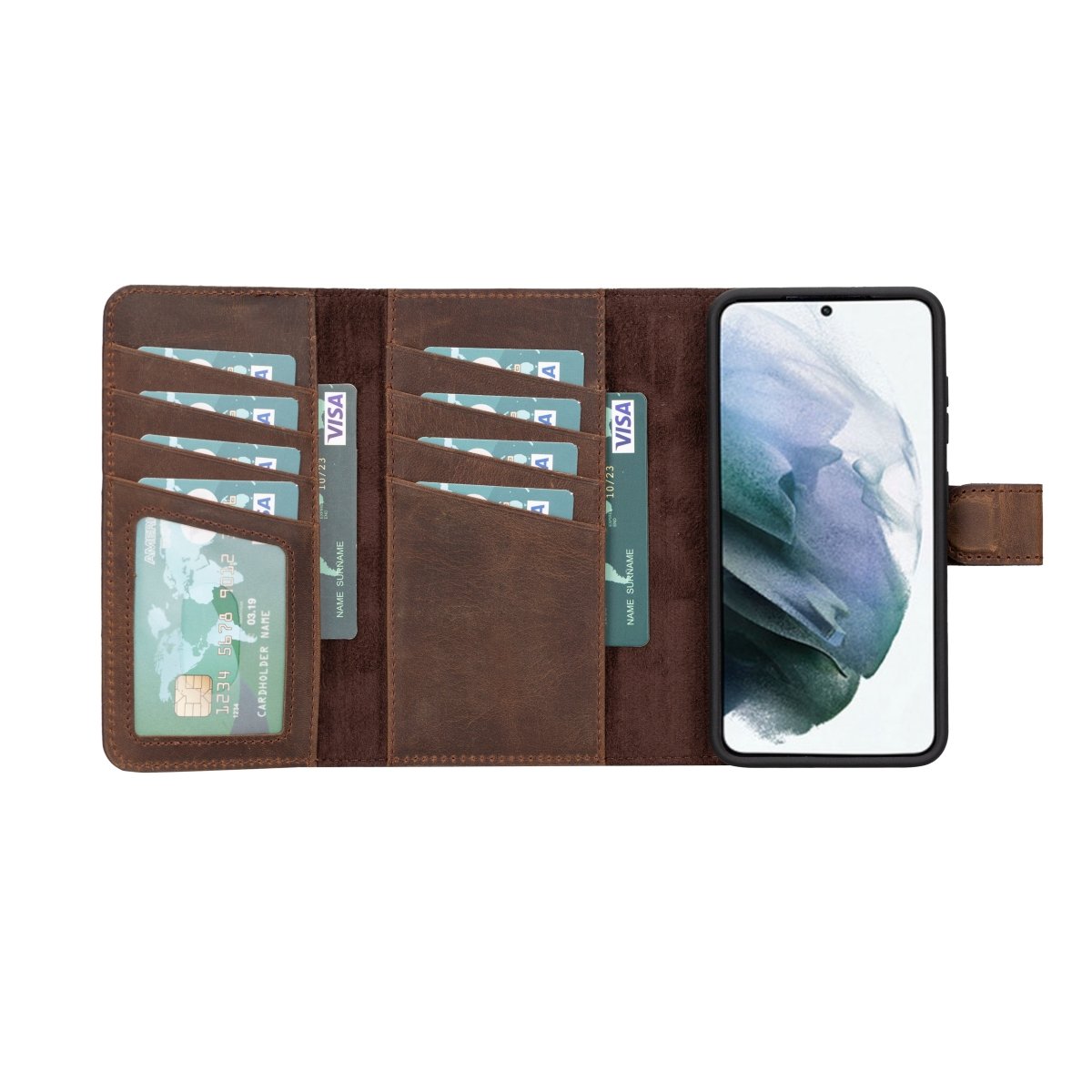
One thing to be aware of is that the pressure from the magnets might leave a faint circular imprint on the leather over time. This is a normal cosmetic effect and part of the leather’s natural patina process, not a sign of damage. Apple even showed this in its own product photos to set expectations. Just remember to remove any credit cards from a wallet case before charging, as the magnets could potentially damage their magnetic strips.
How to Optimize Your MagSafe Charging Experience
To get the best possible performance when using MagSafe charging with a case, follow these simple tips.
- Choose the Right Case: Start with a slim, non metallic case, preferably one that is MagSafe compatible. For wallet case users, a 2 in 1 detachable wallet case, like those offered by Bayelon, is a fantastic option. You can simply detach the wallet portion to ensure a direct, efficient charge.
- Use a Powerful Adapter: A MagSafe charger needs enough juice to work at its best. Apple recommends using a USB C power adapter that is 30W or higher for the fastest charging speeds.
- Plug In First, Then Snap On: For best results, plug your MagSafe charger into the power adapter before you place your iPhone on it. This allows the system to verify the power source and deliver the maximum wattage. If you do it the other way around, just lift your phone for three seconds and snap it back on to reset the connection.
- Manage Heat: All wireless charging generates some heat, and a case can trap it. If your phone gets too warm, its software will automatically slow or stop charging to protect the battery. Try to charge in a cool, well ventilated area and avoid direct sunlight.
Frequently Asked Questions About MagSafe Charging
What is MagSafe charging in simple terms?
It’s a wireless charging system from Apple that uses magnets to automatically snap the charger onto the back of your iPhone for a perfect connection and faster, more reliable charging.
Can I use a MagSafe charger with any phone case?
You can use it with most thin, non metal cases. However, for the strong magnetic lock and best performance, a case specifically designed to be MagSafe compatible is recommended.
Will MagSafe charging ruin my leather case?
No, it won’t damage the case. Over time, it may leave a faint circular mark on the leather where the magnets connect, which is considered a normal part of the leather’s aging process.
Why is my MagSafe charging so slow?
Slow charging can be caused by a few things: using a low wattage power adapter, the phone getting too hot, or using a very thick case that weakens the connection.
Can I leave my credit cards in my wallet case during MagSafe charging?
No, you should always remove credit cards, security badges, and passports before charging. The magnets in the MagSafe system can damage the magnetic strips or RFID chips in your cards. Still deciding on the right case? Bayelon offers 30‑day returns and easy U.S. exchanges for peace of mind.



Leave a comment
This site is protected by hCaptcha and the hCaptcha Privacy Policy and Terms of Service apply.